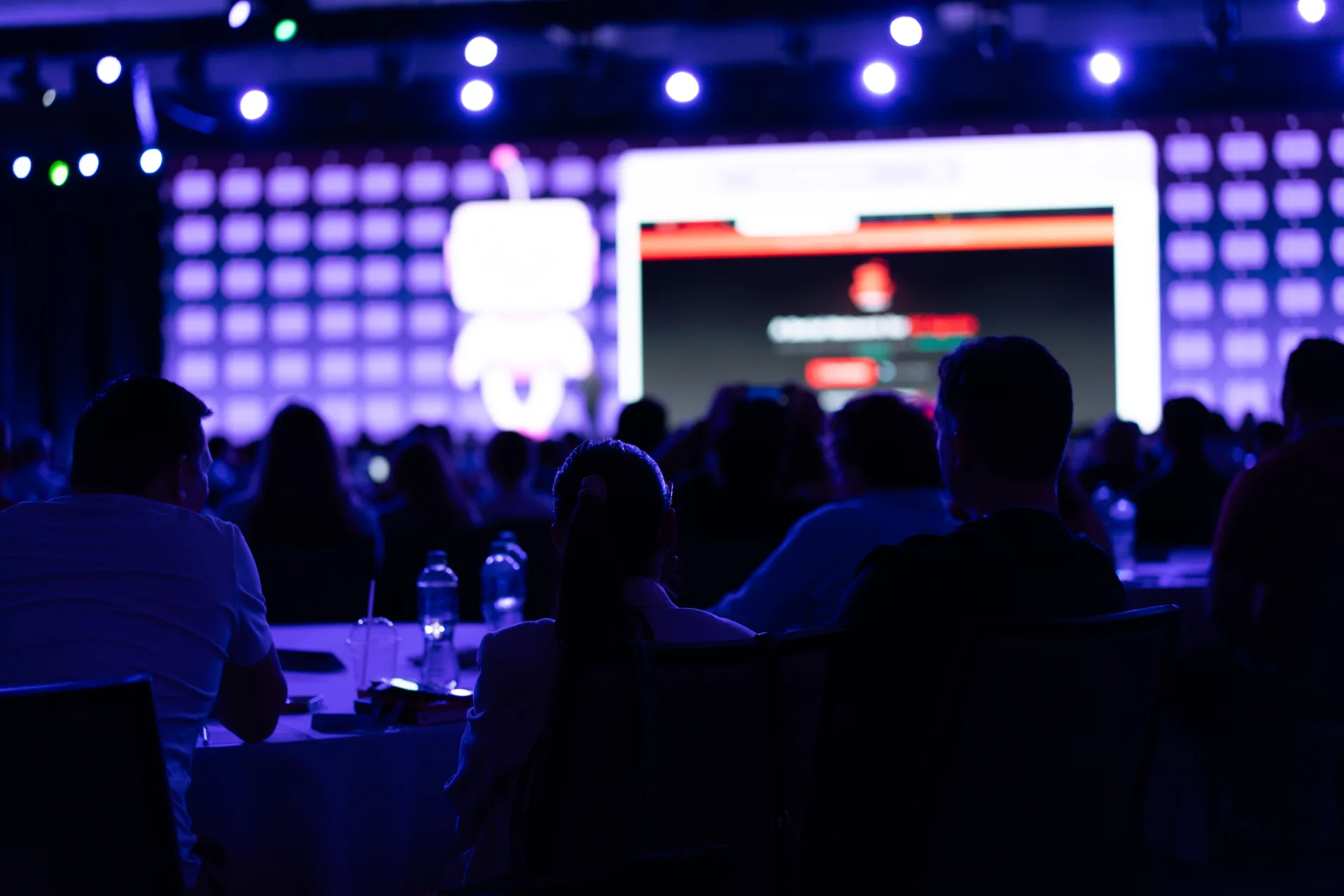
LED Walls
Seamless displays that dominate the visual field.
Unrivaled Visual Immersion
Our LED walls redefine corporate presentations. By eliminating bezels and pushing resolution to the limit, we create a canvas that allows for true cinematic storytelling. Whether it's a high-stakes keynote or an immersive brand reveal, our displays deliver perfect color accuracy and HDR contrast that standard projection simply cannot match.
Key Specifications
- 9mm Fine Pixel Pitch for 4K/8K clarity
- High Dynamic Range (HDR10) Support
- Custom Aspect Ratios (32:9 Ultra-Wide)
- Curved & Corner Configurations
- Full Redundancy for Mission-Critical Events
Contact us to discuss how we can bring led walls to your next event.
Common questions
Practical answers for producers sizing walls, preparing quotes and RFPs, locking content, planning rigging and failover, and feeding hybrid audiences without a last-minute crop.
- What pixel pitch do I need for a corporate keynote?
- Match pitch to your farthest seat, not the stage lip. For most hotel ballrooms with seats 10–25 feet from the wall, 2.3–2.6mm is the practical sweet spot. Thrust stages and exhibit booths under 10 feet need 1.5–1.9mm. Rooms deeper than 50 feet often benefit from delay screens instead of chasing finer pitch on one hero wall. Finer pitch also means more sending cards and more things that can fail during a CEO walk-on — balance visual quality against failure surface area. See our LED wall sizing guide for viewing-distance tiers.
- Do your LED walls include redundancy for live events?
- Yes — mission-critical general sessions get dual-path processing, hot spares where the show file demands it, and module-level failover planning before load-in. We also spec who owns processor spares in the contract, because discovering a sending card has opinions mid-show is a specific kind of pain. Failover paths get documented in pre-pro so show callers know exactly what happens if a section drops — including mapped bypass routes if a single module faults mid-show. Full-field calibration gets scheduled before doors — not twenty minutes before the CEO walk-on.
- Can you configure curved, corner, or ultra-wide aspect ratio walls?
- Standard builds include curved modules, corner wraps, and cinematic 32:9 ribbons. Content aspect ratio gets locked before wall dimensions — letterboxed slides on a mismatched canvas read as amateur hour, and we have both seen it. We provide native resolution and safe action areas to your motion designer before anyone opens After Effects.
- When should I use delay screens instead of one large wall?
- Deep convention halls with chevron seating often need a center LED plus delay screens on the same feed — closer to the back half, better sight lines, less explaining during rehearsal. One monolithic wall sized for a photo op but unreadable from row 18 is a specific kind of pain. We run sight-line studies before you sign dimensions, and we will tell you when a smaller center wall plus delays beats a hero install — sometimes the back row needs IMAG more than it needs a bigger canvas.
- What content resolution and frame rate should we deliver for the wall?
- Deliver at the wall's native pixel count — not the projector resolution your designer used last year. We provide exact canvas dimensions, safe action areas, and refresh rate (typically 50 or 60 Hz) before anyone opens After Effects. Slide decks scaled up from 1920×1080 on a 32:9 wall will look soft on camera; build at full resolution or accept that your 8-point financial tables will lie quietly.
- Can IMAG, slides, and video share the same wall during a live keynote?
- Yes — that is the standard general-session layout. We size each zone for its job: the IMAG zone can run slightly lower effective resolution because faces are forgiving, while the slide zone gets sized for type legibility at the farthest seat. Layout changes mid-show (full-screen video, split presenter, board Q&A) get programmed into the switcher before rehearsal so the show caller is not improvising on a live fade. Deep rooms with panels or walking presenters usually need a camera package too — if the back row cannot read faces without magnification, IMAG belongs in the base spec, not the change-order column.
- What venue constraints should I check before signing wall dimensions?
- Start with load-in path, ceiling height, rigging points, and power — a wall that does not clear the lighting truss or fit through the truck dock is a sizing problem you discover at midnight. Confirm ground load at the stage lip and whether the venue allows ground-stacked towers vs flown rigging; both change footprint and sight lines. Send floor plans, rigging plots, and dock dimensions early; we flag conflicts before you commit to dimensions. Ballroom airwalls, chandelier clusters, and balcony overhangs also eat sight lines — a cross-section sketch beats a surprise on rehearsal day.
- What electrical and rigging details should I confirm with the venue?
- Ask for dedicated circuits, available amperage at the stage, and whether the house electrician can tie in during load-in — LED walls pull serious load and hotel breakers have opinions. Confirm rigging point locations, weight limits, and who signs off on flown structures. Ground-stacked builds still need level deck and cable paths that do not trip the fire marshal. Send us the venue tech packet early; we return a one-page power and rigging ask list you can forward before the contract is signed.
- How do you protect brand color accuracy on an HDR wall?
- We calibrate to your brand guidelines before content hits the wall — not after the CMO walks in. Request Pantone or hex references, sample video, and the slide master your team actually uses; we map those through the processor color pipeline and document the target gamma. HDR10 headroom helps saturated brand reds and deep blacks without crushing detail, but source files still need to be built in the right color space. A camera rehearsal confirms skin tones and logo colors on IMAG, not just on the wall in an empty room.
- When should I choose an LED wall over projection mapping?
- LED wins when house lights stay up, cameras are shooting at broadcast ISO, or fine type must read from the back row without squinting. Projection wins when the surface is irregular geometry, the room goes dark for a cinematic beat, or you need a temporary hero moment without trucking a wall. Hybrid setups are common — LED for the general session, mapping on scenic for the reveal. We size the format to the show flow, not the vendor catalog.
- How do LED walls behave on camera and for live broadcast?
- Emissive panels read bright and saturated on camera without the wash-out projection fights at ISO 800+. Match wall refresh rate to camera shutter (typically 50 or 60 Hz) to avoid rolling banding in IMAG feeds. Fine pitch reduces moire on wide shots, but camera distance and lens choice matter as much as panel spec — we coordinate with your broadcast director during pre-pro and run a camera rehearsal before doors.
- Should the wall be ground-stacked or flown?
- Ground-stacked wins when the venue restricts overhead rigging, the deck cannot take point loads from truss, or you need a faster strike between general sessions. Flown wins when floor space is tight, sight lines need the wall elevated above heads in the first rows, or scenic integrates the wall into overhead structure. Ceiling height, weight limits, and shared rigging time with lighting usually decide it — not aesthetics alone. We return a rigging recommendation with your quote so you can forward one ask list to the venue before the contract is signed.
- How long does LED wall load-in and setup take?
- Ground-stacked builds in a hotel ballroom typically need one full load-in day for rig, processor tie-in, and initial mapping — plus a half-day calibration window before rehearsal. Flown walls with truss integration can stretch to two load-in days depending on venue rigging access and shared ceiling time with lighting. We send a load-in schedule with your quote so you can block dock access, power tie-in, and the calibration slot before anyone books the CEO for a quick walk-through that is not quick.
- Who operates the wall and content playback during the show?
- We provide the LED tech who owns processor health, failover, and wall mapping; your show caller drives cue timing and the video director (ours or yours) handles IMAG and source switching. Slide playback from a dedicated machine stays with whoever owns content QA — we integrate their output into the switcher but we do not guess on unrehearsed deck edits. Roles get documented in pre-pro so load-in is not the first conversation about who hits black during a live reset.
- What do hybrid and streamed audiences need from the LED wall?
- Remote viewers inherit whatever the room camera sees — so wall brightness, refresh rate, and IMAG framing matter as much as in-house sight lines. We feed the switcher output to your streaming encoder with matched color pipeline, confirm safe title areas for lower-thirds and captions, and rehearse slide transitions on the stream delay. If virtual attendees get a separate content channel, lock that layout before graphics are built; rebuilding a 32:9 wall graphic for a 16:9 stream crop on load-in day is a predictable kind of pain.
- What should I send when requesting an LED wall quote?
- Start with a floor plan or ballroom diagram: seating count, style (chevron, classroom, theater), and the farthest occupied row. Add ceiling height, rigging plot or venue tech packet, load-in and strike windows, and how content will run (slides only, IMAG, full-screen video, hybrid stream). Photos of the room beat guessing when CAD is not available. We return canvas dimensions, pitch recommendation, rigging approach, and conflict flags — not a panel count pulled from a spreadsheet.
- What should an LED wall RFP include beyond dimensions and pixel pitch?
- Ask for farthest-seat readability standards (e.g., minimum character height at the back row), native resolution and refresh rate for every content source, processor redundancy and who owns spares, load-in footprint (module size, case count, ground vs flown weight), and a calibration window before doors — not twenty minutes before the CEO walk-on. Request a comparable-room reference, not just a spec sheet. Bids that cannot describe a show like yours at this distance are guessing with your budget.
- Do presenters need confidence monitors when the room has a large LED wall?
- Usually yes — the emissive wall behind them is bright, and turning to read slides on it reads poorly on camera. Downstage confidence monitors (often flanked, sometimes teleprompter-fed) keep eyes forward while the audience reads the upstage wall. Placement depends on camera positions, lectern height, and whether panels walk — we plot monitor lines in pre-pro alongside wall and IMAG layout so rehearsal is not the first time someone discovers they cannot see their transitions.
- When should final wall content be delivered before show day?
- Lock motion graphics and full-screen video at least one week before load-in — longer for multi-zone layouts or 32:9 canvases your team has never built before. Slide decks can arrive closer, but the master deck should be frozen before rehearsal so font substitutions and last-minute aspect-ratio surprises do not become a load-in sport. We run a content test on the actual processor path during tech rehearsal; discovering a 24fps clip on a 60 Hz wall during the CEO walk-through is avoidable with a calendar. Send ProRes or high-bitrate H.264 for video, native-resolution PNG or PDF exports for stills, and one contact who owns change control.
- Is this LED wall rental-only, or full production with onsite support?
- We deliver the wall as part of a production — spec, processor path, calibration, failover planning, and an onsite LED tech who owns the wall through strike. Pure gear rental without show operation is a different quote and a different risk profile; you are signing up to be the integrator. Most corporate keynotes and general sessions want the production package so load-in, rehearsal, and show day share one technical owner. If you only need panels for a controlled install with your in-house team, say that upfront — we will tell you honestly whether that fits the show.
- How does the LED wall integrate with stage, scenic, and lighting?
- The wall is one surface in a stage picture — not a rectangle dropped behind whatever scenic built yesterday. We coordinate trim height with deck elevation, mask lines with set pieces, and backlight levels so presenters are not silhouetted against a wall that outruns the key light. Lighting gets a wall brightness target before focus; scenic gets processor-safe masking zones before fabrication. Shared rigging time with lighting and audio gets scheduled in pre-pro so the ceiling is not a negotiation at load-in. One technical director ties the stack together so IMAG, wall content, and stage wash read as one show — not three vendors defending their corners.
- What should we rehearse on the LED wall before doors open?
- Run every cue that touches the wall on show hardware — not a laptop preview. That means full-screen video in and out, slide transitions at show speed, IMAG cuts with presenters in position, and any live switching between content zones. Camera rehearsal confirms skin tones, logo colors, and moire on wide shots. Failover gets a dry run: show caller and LED tech walk through what happens if a section drops or a source fails mid-segment. If you are streaming, rehearse on the delayed feed too — the room can look perfect while the encoder inherits a crop nobody checked.
- Can LED walls hold up when house lights stay up?
- That is one of the main reasons teams choose LED over projection — emissive panels stay readable with ballroom wash on the audience. Brightness still needs to be balanced: a wall cranked to win against noon sun through floor-to-ceiling windows will silhouette presenters and fight your key light. We set wall nits against lighting focus targets in pre-pro and adjust during rehearsal with house levels where they will sit for the general session. If your show keeps full house light for note-taking, say that early — it affects pitch, calibration, and camera exposure, not just a dimmer setting.
- How far in advance should I book an LED wall?
- Four to six weeks covers most single-market keynotes with standard rigging — send room dimensions and load-in constraints early so we can flag truck dock or ceiling issues before you sign. Multi-market tours or custom aspect builds with full-field calibration windows need 8–12 weeks. Q4 conference season and January sales kickoffs book inventory early; if your dates fall in those windows, earlier is better. Rush timelines are possible depending on inventory and venue access — contact us with your dates and we will tell you honestly what is feasible.
- What should I send when requesting an LED wall quote?
- Start with a floor plan or ballroom diagram: seating count, style (chevron, classroom, theater), and the farthest occupied row. Add ceiling height, rigging plot or venue tech packet, load-in and strike windows, and how content will run (slides only, IMAG, full-screen video, hybrid stream). Photos of the room beat guessing when CAD is not available. We return canvas dimensions, pitch recommendation, rigging approach, and conflict flags — not a panel count pulled from a spreadsheet.
- What should an LED wall RFP include beyond dimensions and pixel pitch?
- Ask for farthest-seat readability standards (e.g., minimum character height at the back row), native resolution and refresh rate for every content source, processor redundancy and who owns spares, load-in footprint (module size, case count, ground vs flown weight), and a calibration window before doors — not twenty minutes before the CEO walk-on. Request a comparable-room reference, not just a spec sheet. Bids that cannot describe a show like yours at this distance are guessing with your budget.
- Do presenters need confidence monitors when the room has a large LED wall?
- Usually yes — the emissive wall behind them is bright, and turning to read slides on it reads poorly on camera. Downstage confidence monitors (often flanked, sometimes teleprompter-fed) keep eyes forward while the audience reads the upstage wall. Placement depends on camera positions, lectern height, and whether panels walk — we plot monitor lines in pre-pro alongside wall and IMAG layout so rehearsal is not the first time someone discovers they cannot see their transitions.
- When should wall content be locked before load-in?
- Lock motion graphics and full-screen video at least two weeks before load-in; slide decks at least 72 hours before doors for a real QA pass on native resolution. Late renders force untested files onto the processor during calibration — the wall will play them, but nobody has checked lower-thirds, brand colors, or frame rate on camera. We publish canvas dimensions and safe zones early so your team builds once; change orders after content lock belong in the run-of-show, not in a fresh After Effects export at 6 AM.
- How do you split LED wall scope between house AV and a production vendor?
- House AV typically owns house power tie-in, venue rigging points, and sometimes a basic projection package — not processor redundancy, custom aspect walls, IMAG integration, or show-day failover. Split-scope shows need one document that names who owns the switcher feed, spares, calibration, and the call if a section drops mid-keynote. We coordinate with house teams on power and rigging early; we do not assume their estimate includes your wall spec unless it is written line-by-line.
- Can you configure walls for trade shows with daily build and strike?
- Yes — booth and expo builds favor smaller footprints, finer pitch for close viewing, and modular towers you can rebuild each morning without a full re-calibration from zero. Confirm floor power, amp draw, and whether the hall allows ground stack vs truss before creative locks dimensions. Daily strike windows are tight; we plan case count, dolly path, and a calibration routine that fits between hall open and first scan at the booth.
- How do multi-city tours keep the same wall look across venues?
- Lock creative to a defined canvas size and color pipeline before city two — not per-market guesses. We travel matched processors, stored calibration profiles, and a packing list tied to the show file so a different ballroom does not reshape your motion graphics. Venue differences (ceiling height, power, rigging) get solved with documented alt configs, not new content builds. Send every venue packet in the pre-pro batch so load-in day is execution, not re-spec.
For viewing-distance tiers and RFP checklist items, read our LED wall sizing guide. Unsure whether you need IMAG or delay screens? See when to spec IMAG and delay screens. Comparing LED to projection for a brand reveal? See projection mapping vs LED walls. Back-row sight lines and delay screens? Read IMAG and delay screens. Building an RFP? See production RFP questions for marketing leaders. Ready to scope your room? Contact us.
Gallery


Other Capabilities
View all services →


See also
LET'S MAKE YOU
THE HERO.
Reach out to us so we can help elevate your next event.