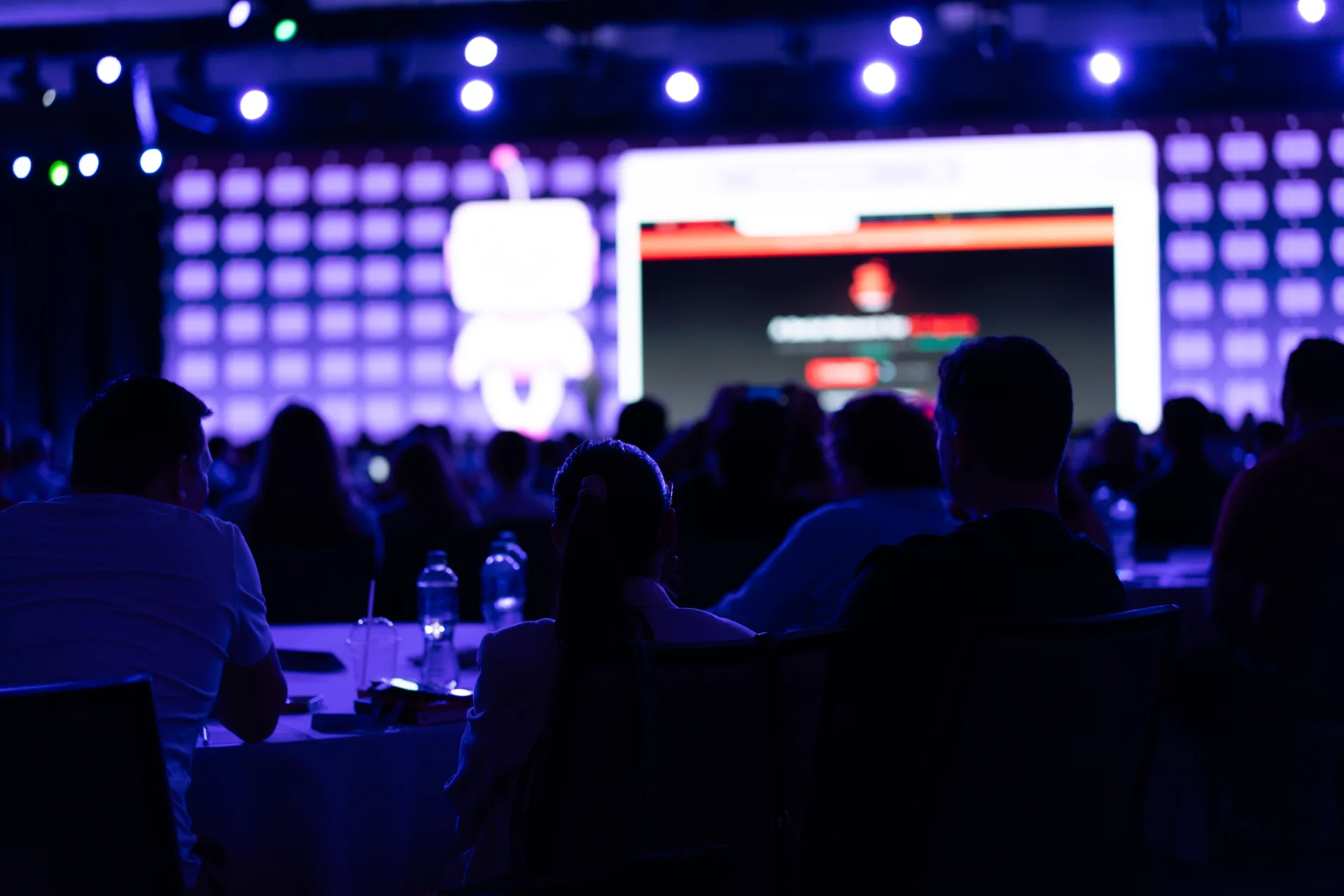
IMAG and delay screens solve two different problems: faces the room can't see, and content the back half can't read. The decision is not "do we want video" — it's whether your room depth, seating layout, and show format actually require a camera package and secondary displays, or whether you're paying for infrastructure that duplicates what the stage already delivers.
This guide covers the triggers production teams use to spec IMAG, when delay screens replace a bigger hero wall, and what to lock before the RFP so you're not adding cameras on a load-in day because someone finally walked to the back row.
IMAG — what you're buying beyond a bigger screen
Image magnification is a live switched video feed of what's happening on stage — usually presenter faces, panelists, and physical demos — displayed on your primary LED or projection surface (or a dedicated IMAG screen). It is not a substitute for slide content. It is not automatic just because you booked a wall.
IMAG requires a camera package (typically two to four cameras minimum for a general session), a dedicated video director or shader, switcher inputs tied to your wall processor, and rehearsal time to build shot sequences. Latency matters: a half-second behind on a reactive Q&A reads as awkward; a full second reads as broken.
If your show is slides-only with a single presenter who never leaves the lectern, IMAG is often optional. If your show is awards, panels, product demos with small objects, or a speaker who walks the stage, IMAG is usually mandatory once you pass a certain room scale — not for drama, for basic comprehension.
When you need IMAG
Use these triggers as a starting checklist. Two or more "yes" answers typically means IMAG belongs in the base spec, not the change-order column:
- Room depth beyond ~60 feet with flat floor seating — back rows lose facial expression and hand gestures even when they can technically see the stage.
- Panel or fireside format — three or more seated participants; without IMAG, the audience watches the profile of whoever is speaking while the active speaker faces the moderator.
- Awards, recognition, or emotional beats — name reads, trophy handoffs, and reaction shots depend on a switched feed; static wide shots feel like a security camera.
- Product demos with detail — hardware, UI walkthroughs on a phone, or props smaller than a laptop need a tight shot; the stream and the room both suffer without one.
- House lights up or mixed lighting — when the audience isn't in darkness, faces on stage wash out; IMAG with proper exposure compensates in a way the naked eye can't.
- Hybrid or broadcast capture — if you're recording or streaming, IMAG shots are your primary visual grammar; a locked wide camera is cheap until the CEO walks.
Also flag IMAG when your scenic blocks sight lines. A branded portal, oversized LED wings, or a deep thrust that puts presenters below balcony sight lines means the audience is already watching screens — make those screens show faces, not just logos.
When you can skip IMAG
Skipping IMAG saves crew, rehearsal, and switcher complexity — but only if the room and format actually support it. Common skip scenarios:
- Under 200 seats in a fan or shallow room where every row has a clear, close view of the stage and a single presenter stays at a marked position.
- Content-forward sessions — technical training, data-heavy keynotes where slides are the hero and the speaker is voice-over; confirm with stakeholders that no one expects "TV coverage" of the presenter.
- Single fixed lectern, no movement, no panel — rare for general sessions but common for short executive remarks in a hotel breakout scaled up; a confidence monitor for the speaker is not IMAG for the audience.
- Budget tier honestly labeled as "room-only" — better to skip IMAG and nail audio, slide legibility, and delay coverage than to run one camera unshaded on a corner of the wall.
If marketing wants "broadcast energy" but the agenda is a 45-minute deck with no stage movement, push the conversation toward lighting and slide design before defaulting to a camera package. IMAG without something worth shooting is an expensive wide shot of a person's forehead.
Delay screens — when the hero wall isn't enough
Delay screens (repeat displays fed the same program content as your main wall, often with a few frames of delay to align with audio propagation) solve legibility and sight-line problems without scaling up a single monolithic LED. They are common in deep convention halls, arena-style seating, and rooms with center obstructions.
You typically need delay screens when:
- Farthest-seat distance exceeds comfortable wall sizing — if your LED wall sizing math says the back row can't read 10-point type on one surface, delay screens bring content closer rather than building a wider hero wall you'll never fill with creative.
- Side seating exceeds ~35° off-axis — extreme angles make text look italic and colors shift; flanking delays facing the side sections preserve readability.
- Center seating blocks exist — PA stacks, camera platforms, or scenic elements that eat the main wall for a chunk of the house; delays fill the gaps.
- Overflow or split seating — rear ballroom sections, balcony transitions, or outdoor simulcast areas that need the same program feed at a human scale.
Placement rules production teams use:
- One delay pair for rooms roughly 80–120 feet deep — flanking delays at the one-third and two-thirds depth marks, sized for slide legibility at that section's farthest seat, not matched pixel-for-pixel to the hero wall.
- Center delay when a single hero wall serves front and middle but the back third is 100+ feet out — a center hung or ground-supported delay becomes the primary read surface for rear sections; audio delay alignment matters here.
- IMAG on hero, slides on delays — valid split-feed approach when the front half watches faces on the main wall but the back half needs larger type; requires explicit switcher routing and a director who knows the show, not a passive HDMI splitter.
Delay screens add power, rigging, signal path, and crew. They are usually cheaper than upsizing a hero wall to solve the same legibility problem — but they are not free, and they are not a workaround for bad content. Blurry slides on three screens are still blurry slides.
Questions for your production partner
Bring these to the RFP and site walk. IMAG and delay decisions fail when they're treated as add-ons instead of room geometry problems:
- Sight-line study — Will you provide a section view showing which seats lose stage view, main wall view, or both? Who owns the fix when the answer is "rows 15–22"?
- Camera plan tied to show format — How many cameras, which shots are mandatory (lectern, panel, audience reaction, demo), and who directs live vs. preset recall?
- Latency budget — End-to-end delay from stage to IMAG surface; acceptable threshold for interactive segments and remote participants.
- Split-feed capability — Can the system run IMAG on the hero wall and slide content on delays simultaneously without a second switcher stack?
- Audio delay alignment — If program audio is delayed to match rear screens, how is that managed for front rows and for the broadcast mix?
- Failover — What happens when a delay processor drops or a camera fails mid-keynote; is there a clean fallback to static slides or a wide shot?
- Rehearsal scope — Is camera blocking included in rehearsal, or is "we'll figure it out at show call" the plan?
Answers should reference your actual room depth, seating chart, and run-of-show — not a generic package named "Gold IMAG."
From the floor: the camera package nobody watched
A general session spec included four cameras because the RFP template listed four. The show was a single presenter, fixed lectern, 55-foot room depth, and a slide deck the back row could already read on a modest center wall. Rehearsal day, the video director asked what to cut when the CEO wanted an extra ten minutes on content — and nobody had a shot list because there was nothing to shoot except a wide and a tight that looked identical from row ten.
The production team dropped to one manned camera for archive only, reallocated budget to a delay pair for side sections with bad angles, and the show looked better in the room and on the stream. The presenter didn't need a close-up. The side seats needed a screen that faced them. Same budget line item, smarter geometry.
IMAG and delay screens are room tools, not prestige add-ons. Spec them when sight lines and show format demand them; skip or downsize when the room already delivers. Your back row will tell you the truth — if you walk there before the PO goes out.
For IMAG integration, LED walls, and delay screen design on your next general session, see our LED wall production services. Ready to walk your seating chart and sight lines with a production team? Request a consultation.