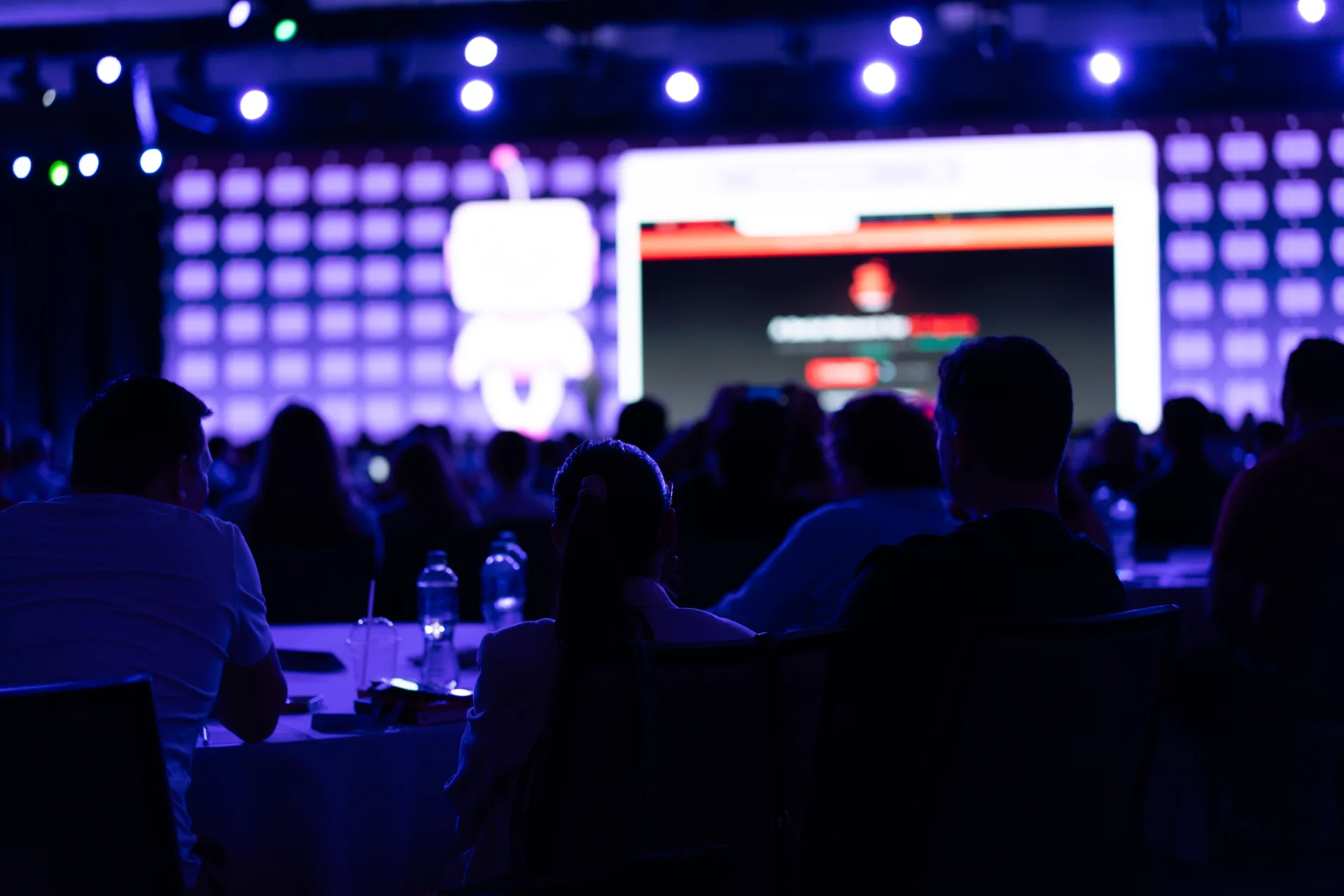
Keynote stage lighting is not mood lighting with a followspot. It is a camera-ready, audience-readable, brand-consistent rig that keeps your speaker visible from row one and row forty — on IMAG, in the stream, and under house lights that may not fully drop.
This guide covers what to name in your production brief, how to right-size a lighting package, and the vendor questions that separate a polished keynote from a presenter standing in their own shadow.
What the rig has to accomplish
A keynote lighting plot serves three masters at once. Miss any one and rehearsal becomes a negotiation you did not schedule.
The audience needs to read faces and gestures without squinting. Cameras need even key light with controlled shadows — harsh top light reads fine in the room and terrible on a 40-foot LED. Brand and scenic teams need color temperature and intensity that match set pieces and screen content, not fight them.
Before you talk fixture counts, write down your show format: single presenter or panel, downstage thrust or upstage lectern, full blackout or 30% house, IMAG and stream or room-only. Those four answers determine whether you need eight fixtures or eighty.
Name the three layers in your spec
Every keynote plot should explicitly call out key, fill, and backlight — plus whatever specials your format requires. Vague language like "professional stage lighting" lets vendors fill gaps with whatever is left on the truck.
Specify these layers in your brief:
- Key light — primary source on the presenter’s face, typically 30–45° off center and slightly above eye line; define whether you want one shared key for a panel or isolated keys per position.
- Fill — softens shadow side without flattening the face; state a target ratio (2:1 or 3:1 key-to-fill is common for corporate keynotes on camera).
- Backlight / edge — separates the speaker from the set and scrim; critical when your backdrop is dark or your IMAG background is a slide deck.
- Specials — lectern wash, CEO walk-on look, panel table light, or a preset for remote speaker IMAG; name each cue, not just "presenter looks."
- House and work light — who controls dimmer levels during walk-in, awards, and exit; confirm minimum house for note-taking if that matters to your audience.
If your show uses a followspot, say whether it is a backup to fixed keys or the primary source. Followspots add drama and subtract consistency — fine for awards, risky for a 45-minute financial keynote with a roaming presenter.
Package tiers — when to scale up or down
Lighting packages are sized by stage width, trim height, camera count, and how many distinct looks you need in one show. Use these tiers as a starting point for budget conversations, not a gear catalog.
Lean (single presenter, no IMAG, house at 40%+):
- Front key from two positions, basic fill, one backlight, lectern wash
- Console with stored presets for walk-in, show, and Q&A
- One lighting operator for a straightforward general session
Standard (corporate keynote with IMAG and stream):
- Multiple key positions for cross-stage movement, controlled fill, edge for camera separation
- Color-matched LED fixtures for consistent skin tone on camera
- Followspot or automated profile spots if walk-ons are scripted
- Dedicated LD with rehearsal time to match camera shading
Heavy (panel, multiple segments, full blackout looks, broadcast):
- Per-seat or per-position keys for panels, separate looks for each segment
- Side light for depth, foot light if stairs or low stage
- Media server or console integration for color-accurate brand moments
- Backup console or redundant DMX path for live broadcast sessions
Scale down when the room is small, cameras are not recording, and the set is mostly lit by an LED wall. Scale up when you have broadcast cameras, multiple presenters sharing one position, or a scenic design that depends on light as part of the brand story.
Camera, IMAG, and skin tone — the specs cameras expose
Lighting that looks acceptable to the eye in a ballroom often fails on a camera sensor. Green spikes from cheap LED, mismatched color temperature between key and fill, and backlight that rims the hair but leaves the face muddy — these are specification problems, not operator problems.
Lock these before load-in:
- Color temperature target — 5600K daylight or 3200K tungsten look; pick one and match fixtures, not "close enough."
- Minimum illuminance at the primary mark — production teams often work toward roughly 50–100 foot-candles at the presenter position for IMAG; confirm with your video director, not a rule of thumb from a different venue.
- No-go zones — backlight that flares into downstage cameras, foot light that washes out the LED wall, sidelight that turns slide content on a scrim into a projector.
Ask your video team to attend focus and preset programming, not just a five-minute check before doors. The LD and video shader should agree on what "good" looks like on the multiview, not on the floor.
What to put in the RFP — and questions for your vendor
Most lighting RFPs list fixture types and a dimmer count. Few list cue count, rehearsal hours, or who owns communication with the show caller.
Add these lines to your brief:
- Number of distinct looks — walk-in, presenter, panel, video roll, Q&A, exit (name each).
- Rehearsal scope — full focus and preset programming before presenters arrive, plus a dedicated cue-to-cue block with talent on stage.
- Camera integration — LD present for camera shading session; list call times.
- Power and rigging — fixture weight, power draw, and trim height; ballrooms with limited points need this early.
- Backup plan — spare fixtures for key positions, redundant DMX or split console for general sessions with no repeat.
Questions worth asking in the bid review:
- 1."Walk me through a keynote like mine in a room this size — what did you wish the planner had specified earlier?"
- 2."Who runs the board during the show, and is that person the same one who programmed presets in rehearsal?"
- 3."How do you handle a presenter who ignores the marks during Q&A?"
- 4."What is your default when the LED wall content goes full white during a slide?"
References beat fixture lists. A vendor who can describe a comparable general session — same camera count, same house-light policy — is working from experience, not a template.
From the floor: the lectern that moved
One keynote arrived with a beautiful lighting plot on paper and a lectern that migrated six feet stage left during the VIP walk-through. The followspot op adapted. The fixed keys did not. For twenty minutes of opening remarks, half the audience saw a well-lit forehead; the stream saw a chin.
The fix was not more fixtures — it was marking the lectern, programming a second preset, and holding ten minutes in rehearsal for the speaker to stand where they would actually stand. The LD had built a show for a mark no one enforced.
Keynote lighting fails in predictable ways: unnamed layers, presets built without talent on stage, and camera shading treated as someone else’s department. Spec the layers, tier the package to your format, and give the LD the same rehearsal respect you give audio. The audience notices when they cannot see the speaker’s eyes. The camera always notices first.
For keynote lighting design, focus, and show-day operation on corporate general sessions, see our event lighting services. Ready to walk through your stage plot and camera plan? Request a consultation.